OddCue

Things are about to get sus.
Party games with odd characters for 1 to 12 people – depending on the game. One phone is enough, several make it even more fun.
Download
OddCue is not in the stores yet. The buttons only become active with real store links.
How you play
One phone, many phones – and none needs the internet to play.
-
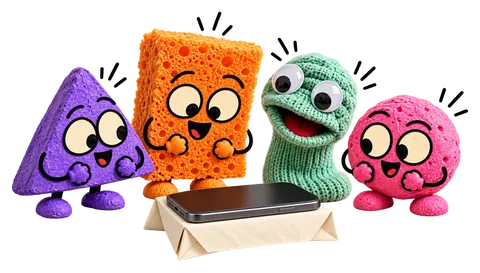
One phone
Pass the phone around. Secret questions are only seen by whoever’s turn it is.
-
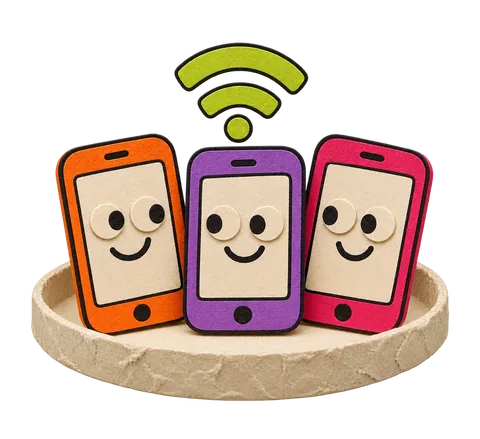
Several phones
On the same Wi-Fi or a hotspot you connect your own phones with a QR code. The host plays along or only moderates and shows the table for everyone. This runs on the local network, not over the internet.
-
Offline
OddCue needs no internet to play. Only buying, restoring, device transfer and downloading voice packs go online.
What are we playing?
One game. Your crew.
-
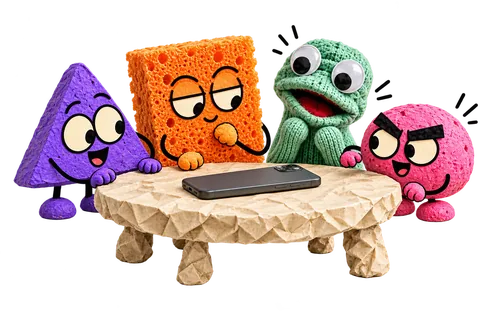
The other question
One person secretly got a different question.
3–8 players
-
 18+
Spicy
Honest questions for adults.
2–8 players Add-on pack
-

Draw & Guess
Draw, guess, laugh.
2–8 players
-
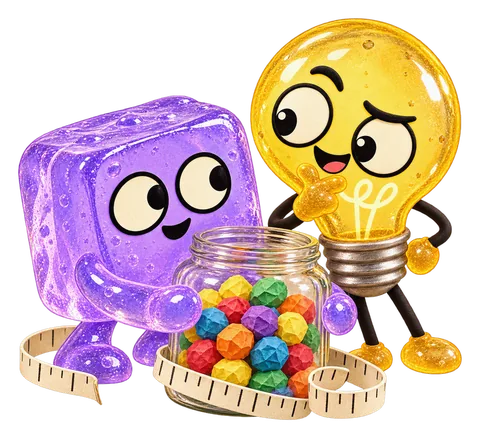
Estimate
Who gets closest?
1–8 players
-
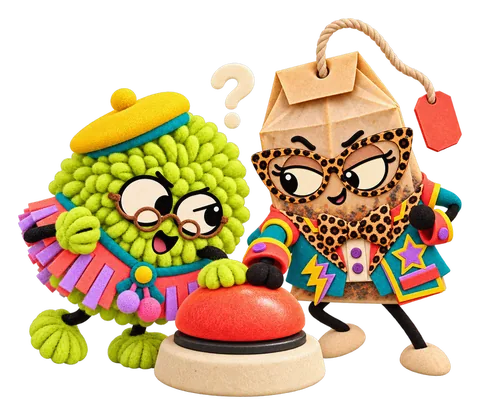
OddQuiz
Knowledge duel with four answers – solo, as a pair or up to twelve.
1–12 players Add-on pack
-
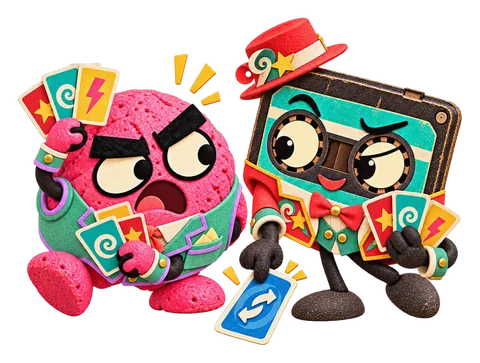
OddSwitch
Play cards by colour, number or action – the first with an empty hand wins the round.
1–12 players Add-on pack
-
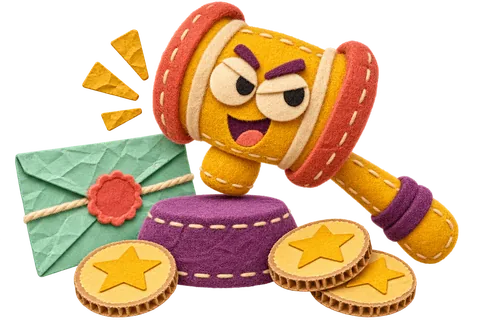
OddDeal – Would you really?
Sealed bids, odd lots and deals with a catch.
2–12 players Add-on pack
-

Truth or Dare
Answer honestly or be brave.
2–8 players
-
Most Likely To
Vote in secret, laugh together.
2–8 players
-

Never Have I Ever
If you’ve done it, raise a hand.
2–8 players
-
 18+
Drinking Game
Voluntary rule cards for the group – water counts just as much.
2–8 players Add-on pack
-

Under Suspicion
One round. One culprit. Plenty of excuses.
6–8 players Add-on pack
-

OddQuest
You decide. Things get weirder.
1–8 players Add-on pack
06 / 13
Swipe & discover
The app shows 18+ content only after the age declaration on the device.
Pick your character
20 characters – everyone plays one.
-

Glib
“Did someone just look at me?”
-

Bruno
“I soak up every clue.”
-

Socki
“Ooh, tell me everything!”
-

Peb
“Hm. Suspicious.”
-

Knautsch
“Who crumpled me? Rude.”
-

Klack
“Klack! Got you!”
-
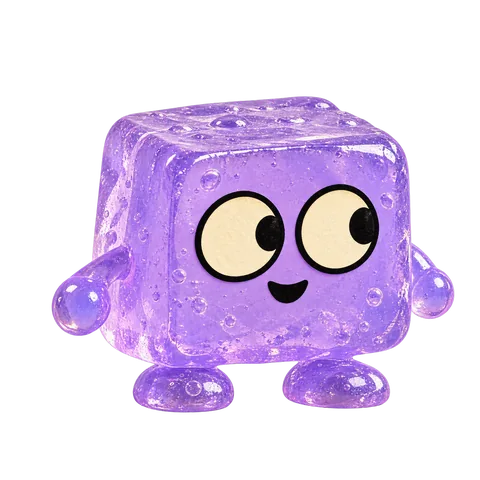
Blubb
“Wait… what was the question?”
-

Fritzi
“I wrote it all down!”
-

Kork
“Relax, I’ve got this.”
-
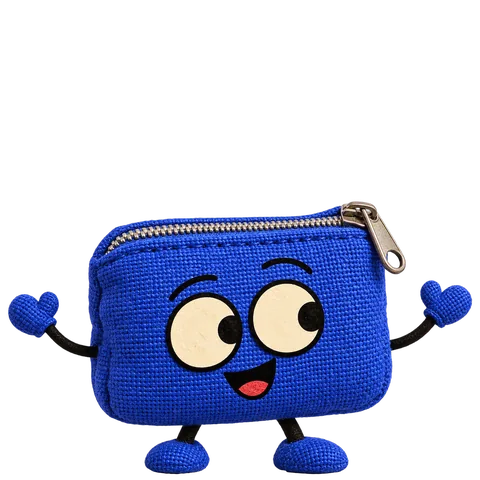
Zippi
“My lips are zipped. Mostly.”
-

Knopf
“I noticed something …”
-

Fluse
“Can I have a go? Just a tiny one?”
-
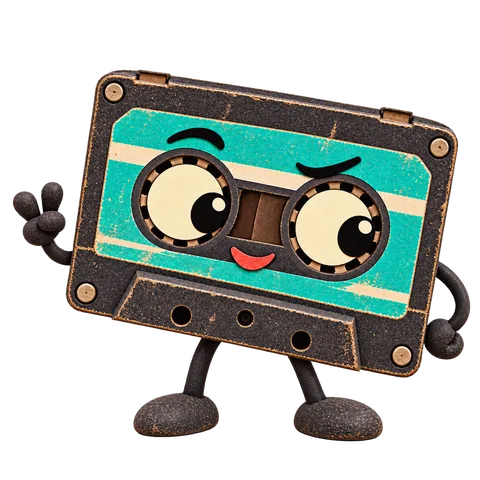
Kassi
“Hold on, let me rewind that.”
-

Charlie
“Darling, let that steep for a moment.”
-

Lumo
“I’ve got a bright idea! … Or not.”
-

Kritz
“I’ve made a note of that.”
-

Dosi
“My lid is sealed. Almost.”
-

Quak
“Quack! I saw exactly what you did.”
-

Zündi
“There’s still a spark in this one!”
-

Marlo
“I’m staying relaxed. And fluffy.”
10 / 20
Swipe & discover
What it looks like
Screenshots from the app.
-
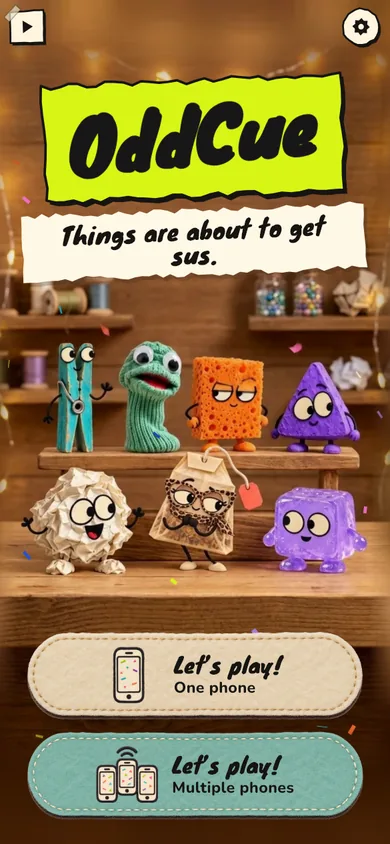
Home screen -
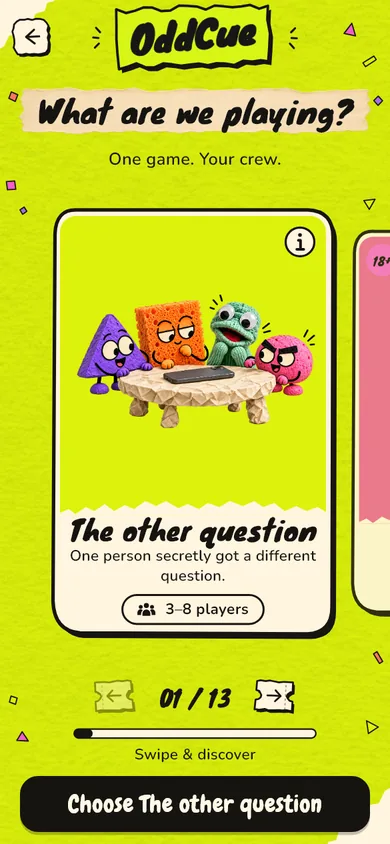
Choosing a game -
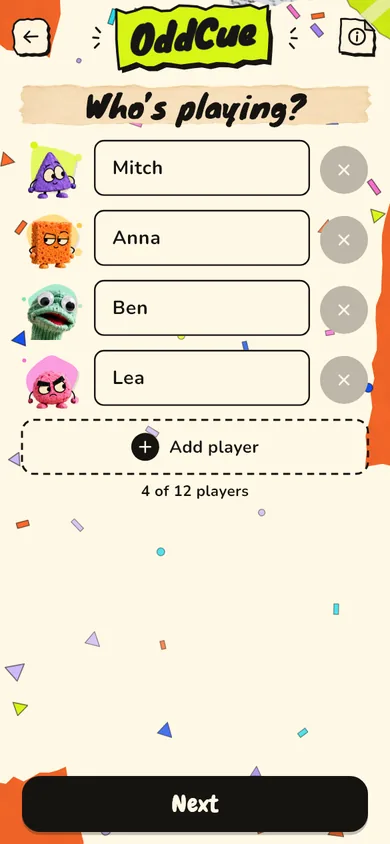
Players -
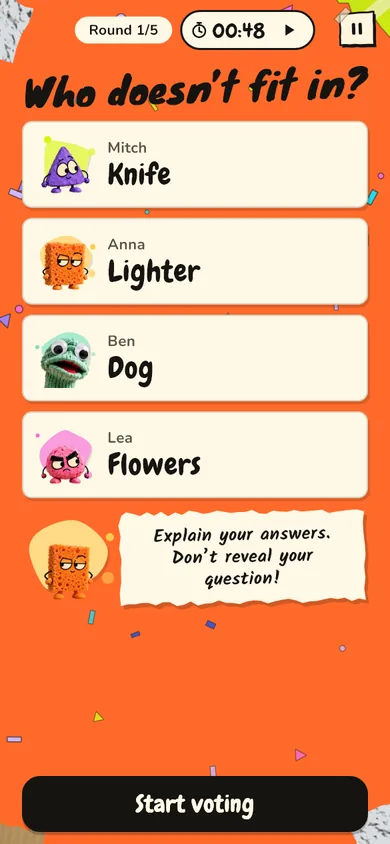
Discussion in “The other question”
What costs what?
- ✔ The base game is free.
- ✔ More games come as add-on packs through in-app purchase on the App Store or Google Play – no subscription, no in-game currency. The store shows the price.
- ✔ When you play on several phones, only the host needs the pack.
- ✔ Read-aloud voices in German and English are free. Download them per game and language if you like – every game also works as text without a voice.
Which games exactly are add-on packs and what they cost is only fixed when the store launches.
Questions and answers
Do I need an account?
No. There is no sign-up, no e-mail and no password. On the first purchase the app contacts our server anonymously with a random device id so the purchase can be checked.
How do I buy an add-on pack?
Tap a game with a padlock in the app. You see what it contains and the price from the store. Payment only happens on the App Store or Google Play.
New phone, same store – how do I get my purchases back?
Tap “Restore purchases” in the pack view or under Settings → Privacy & legal notice → Purchases. You need the internet and the same store account.
I’m switching from Android to iPhone (or the other way round).
On the old device: Settings → Switching phones → “Transfer to a new device”. You get a code that is valid for 15 minutes. On the new device choose “Take over from another device”, enter or scan the code and confirm on the old device. Both devices need the internet. This transfer does not work without the old device.
How do I manage the read-aloud voices?
Under Settings → Read aloud → Voice packs you download, update or delete voices per game and language. German and English can be installed at the same time; cards are read in their own language.
How does the 18+ area work?
Adult content only appears once a date of birth of 18 or older has been entered and confirmed on the device. It is a self-declaration, not a verified age check. A purchase is not an age confirmation.
Does OddCue work offline?
Yes, playing works without the internet – including bought packs and downloaded voices. Buying, the first restore, device transfer and downloads need a connection. The app only notices a refund at the next online sync.